Feature
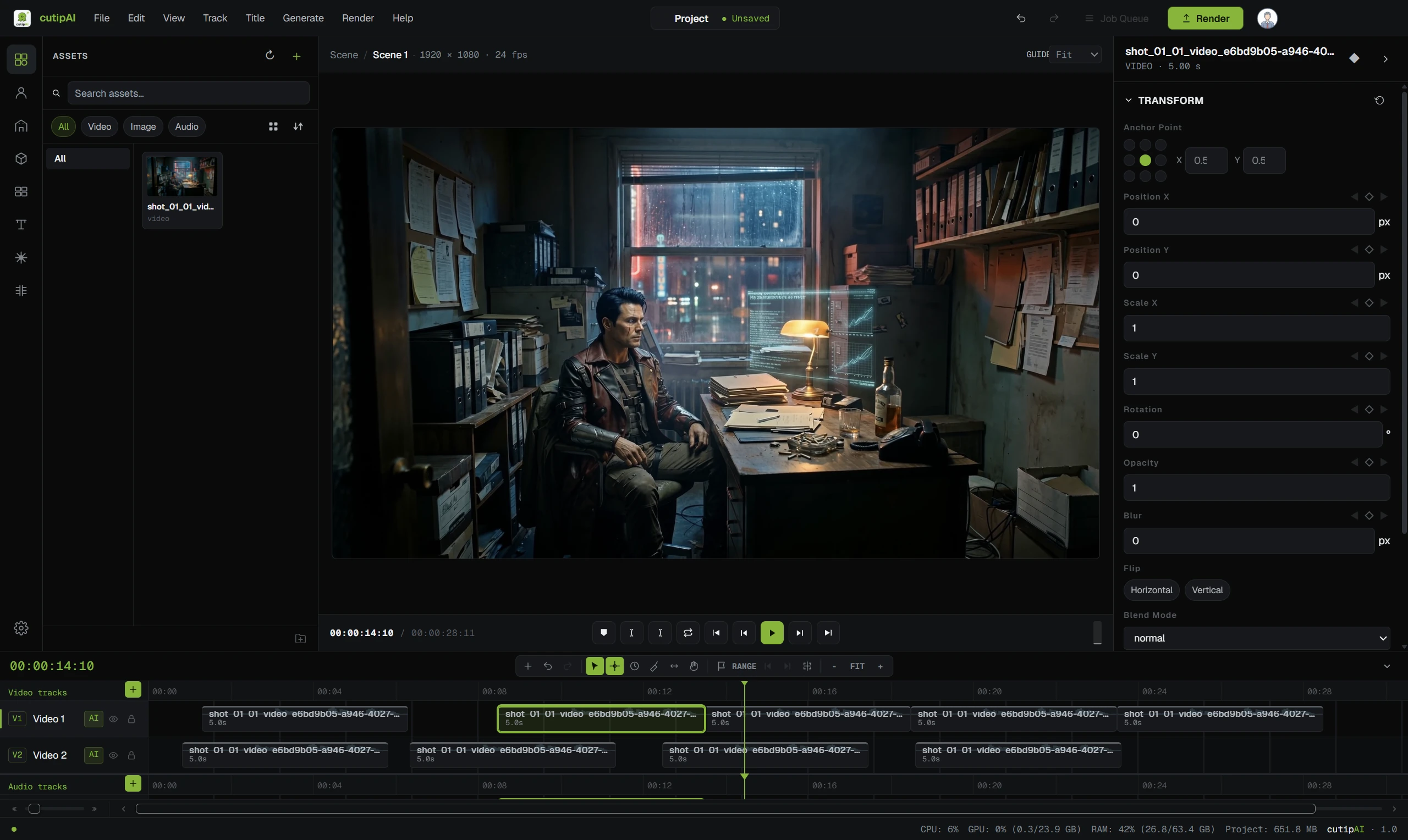
No single generation model is best at everything, and a production that commits to one inherits everything it is bad at. cutipAI keeps the film — the characters, the storyboard, the timeline — in one workspace, and lets the generation approach change from shot to shot.
A slow push across a landscape, a close-up that has to hold a face still, a product turn where the label must stay readable, and a piece of stylised motion are four different technical problems. They reward different generation approaches, and the gap between the best and the worst choice for a given shot is usually larger than the gap between two models’ general reputations.
Committing a whole production to one model means accepting its weakest category everywhere that category appears. Professional work rarely stays inside one category for sixty seconds.
The way most people work around this is to open a second tool for the shots the first one handles badly, then a third. What that costs is not the subscription — it is that the production stops existing in any one place. The character reference lives in one tool, the shot list in a spreadsheet, the generated clips in a downloads folder named by hash, and the only thing that knows how they fit together is you.
Continuity is the first casualty, because nothing is holding the character, the location or the prop across the boundary. Cost visibility is the second: four tools mean four balances and no single answer to what the piece has cost so far.
Characters, spaces and objects belong to the project, not to the model you generated with. Changing approach for one shot does not mean re-establishing who is in it.
Every generation is charged to the same wallet and recorded in the same history, so the cost of a production is a number you can read rather than four invoices to reconcile.
Generated shots and your own footage land in the same edit, with voice, music and captions, and export to a finished file — no round trip through a separate editor.
What is available changes as the field changes. Because the production is not built around any one model, adopting a better option for a shot type is a choice on that shot, not a migration.
The choice is made where the shot is, and each generation shows an estimated cost before it runs. The final charge is based on the actual generation cost and can be higher or lower than the estimate — so the decision you are making is an informed one rather than a guaranteed one, and this page will not pretend otherwise.
That is also why there is no plan to pick. You are not buying access to a model ecosystem; you are paying for the generations a production actually runs. See pricing for how the credit works.
The available options are shown in the product, on the shot you are generating, because the set changes as the field does. A list published on a marketing page would be out of date before you read it — and the argument this page is making does not depend on which options are current.
No. Generation runs through cutipAI on your credit balance, so there is one account, one balance and one history regardless of which approach a given shot uses.
It is priced per generation either way. Choosing an approach that suits the shot usually means fewer re-runs, and re-runs are the thing that actually costs money.
Consistency comes from the project holding the characters, spaces and objects — not from using one model everywhere. That is the mechanism the consistency page describes, and it works across generation approaches.
Start a project and keep the film in one place while the approach behind each shot stays your decision.